

You use Google every day. So do I. Search, Maps, Gmail, Calendar, YouTube. It is everywhere. And for a long time, I did not think twice about it. The products work well. They are free. They just work.
Then I actually looked at what Google collects on me. You wouldn't believe how much they know about you.
My search history. My location, tracked in the background 340 times a day on my Android phone. Every email I have ever sent through Gmail. My voice recordings. My YouTube watch history. My purchase history. Contacts. Calendar events. Files. Photos with facial recognition metadata.
Google processes over 40,000 searches per second, according to TechGuard. That is 3.5 billion searches per day, every one stored and linked to your profile. A 2025 analysis by Security.org found that Google collects more data from consumers than any other major tech company. Their entire business model depends on it. Google made over $300 billion in advertising revenue in 2024, and that money comes from selling targeted ad space based on the profiles they build from your data.
Here is the uncomfortable part: background data collection from Google is now double the amount collected from active users engaging with their services, according to Allconnect. Your phone is sending Google information about you even when you are not using any Google app. An Android device with Chrome installed sends location data to Google 340 times in 24 hours.
I spent months researching alternatives. Not because I am paranoid. Because I wanted to know if the alternatives actually work. They do. And some of them are better than what Google offers.
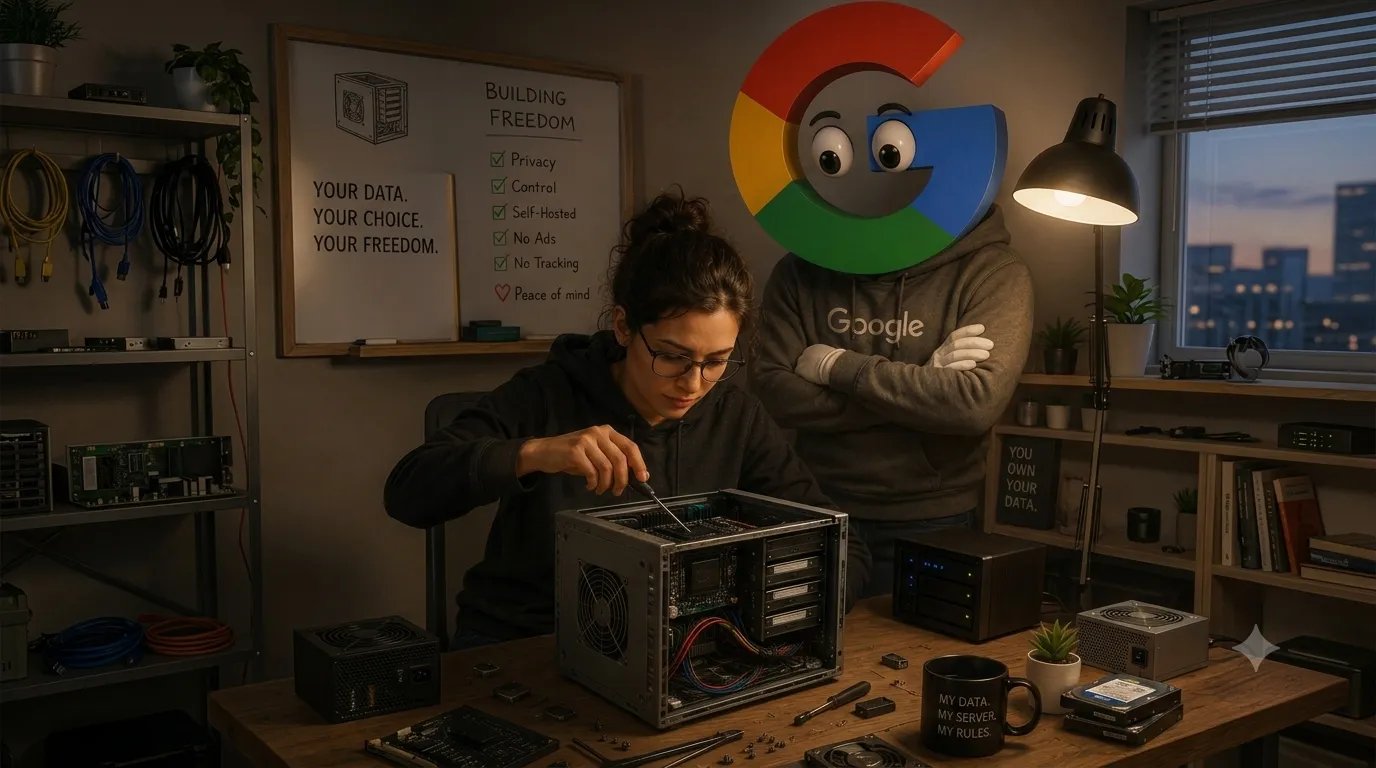
This post covers every major Google service I could find a replacement for. Each section includes what Google does with your data, what the open-source alternative is, and exactly how to migrate. The post is long because each product deserves its own section. If you only care about one service, jump to it.
Before you replace anything, you need your data. Google Takeout is the tool for this. It pulls data from over 50 Google products and packages it into ZIP files you can download.
Head to takeout.google.com and sign in. You will see a checklist of every Google product. For this guide, grab at minimum: Gmail, Drive, Contacts, Calendar, Keep, Maps (Timeline data), and YouTube. Hit "Next step," pick "Send download link via email," set the file type to ZIP, and choose 10 GB chunks for large exports. Then click "Create export."
Google needs time to compile everything. Sometimes hours, sometimes days. You get an email when it is ready. Download the files and keep them somewhere safe. Do not start migrating until you have confirmed every export downloaded correctly.
Gmail: your email, off Google's servers
Google reads your email. They changed this policy in 2017 for consumer accounts, but they still scan it for ad targeting purposes and use it to build your advertising profile. Every receipt, every conversation, every newsletter you signed up for, all of it feeds the machine.
Option 1: Proton Mail
Proton Mail is a privacy-focused email service based in Switzerland, which has strong privacy laws. Every email you send is end-to-end encrypted. Google cannot read it. Nobody can read it except you and the person you sent it to.
Proton has a built-in migration tool called Easy Switch. It imports your emails, contacts, and calendar events from Gmail directly into Proton Mail. Here is how:
1. Log in to Proton Mail at mail.proton.me.
2. Go to Settings, then Import via Easy Switch.
3. Select Gmail as the source.
4. Authorize Proton to access your Gmail account.
5. Choose what to import: emails, contacts, and calendar events.
6. Click Start import.
The process runs in the background. For a large inbox, it can take several hours. Once complete, your emails will appear in Proton Mail with your original folders and labels intact.
Proton also lets you connect your Gmail address so you can send and receive from Gmail inside Proton Mail. This means you do not have to tell everyone your new email address right away. You can transition gradually.
Option 2: mailcow (self-hosted)
If you want full control over your email, mailcow is a self-hosted email server. It runs on your own hardware or a VPS. You own the data. No third party can access it.
mailcow gives you a webmail interface, SMTP, IMAP, and CalDAV support. It includes built-in spam filtering, DKIM signing, and a Let's Encrypt SSL certificate. The interface is functional and straightforward.
Setting up mailcow requires a domain name and a server. If you need a VPS to host it on, VPS.org offers affordable VPS hosting that works well for this purpose.
The catch with mailcow is that email deliverability depends on your server's reputation. New IP addresses can end up in spam folders. You need to set up SPF, DKIM, and DMARC records correctly. If you are not comfortable with server administration, this is not the path for you.
At Sabyla Solutions, we build custom email handlers through Cloudflare for mailcow deployments. This setup routes your email through Cloudflare's network, which improves deliverability and adds an extra layer of privacy. If you want help setting this up, reach out to us.
Google Takeout for Gmail
In your Google Takeout export, Gmail data comes as MBOX files. To import into Proton Mail, use Easy Switch (it reads MBOX directly). For mailcow, you can use tools like imapsync to transfer emails from Gmail's IMAP server to your mailcow instance.
Google Discover: your news, without the filter bubble
Google Discover curates a personalized feed of articles and content. It uses your search history, YouTube watch history, and browsing data to decide what you see. The problem is not that it works. The problem is that it creates a filter bubble and feeds you content designed to keep you scrolling.
FreshRSS (self-hosted)
FreshRSS is a self-hosted RSS feed reader. RSS is an older technology that lets you subscribe to websites and read their content in one place. Unlike Google Discover, RSS gives you a chronological feed with no algorithm deciding what you see.
FreshRSS runs on a PHP server with a MySQL or SQLite database. Installation takes about 5 minutes if you already have a web server. The interface is clean and fast, with customization options for layout and feed management. You can set up auto-cron to refresh feeds throughout the day.
The downside of RSS is that you have to find and add your own feeds. Google Discover does this for you automatically. But that is also the point. You decide what you read. No algorithm is deciding that you need to see another article about a celebrity controversy to keep you engaged.
FresshReader (Sabyla Solutions)
FresshReader is an alternative to Google Discover built by Sabyla Solutions. It takes the concept of a personalized content feed and strips out the data harvesting. You get a clean, chronological feed of content from sources you choose, without Google tracking your reading habits.
Check it out at forge.sabylasolutions.com/sabyla/fresshreader. It is open source, so you can self-host it or use the hosted version.
Google Takeout for Discover
Google Takeout does not directly export Discover data. Your Discover feed is generated from your search and YouTube history. Export those via Takeout (search history as JSON, YouTube history as JSON) and import them into FreshRSS as a starting point for your feed subscriptions.
Google Keep: your notes, on their server
Google Keep is a simple note-taking app. It syncs across devices, supports checklists, and has basic image and voice note support. The problem is the same as every other Google product. Your notes are stored on Google's servers. Google can read them. They are included in your advertising profile.
Neurite: your notes, on your server
Neurite is a note-taking application built by Sabyla Solutions as a privacy-focused alternative to Google Keep. It supports markdown formatting, checklists, images, and cross-device sync. Your notes stay on your infrastructure, not Google's.
Find it at forge.sabylasolutions.com/sabyla/neurite. It is open source and self-hostable.
Other options
If Neurite does not fit your workflow, several other open-source note apps exist. Joplin is a popular option with end-to-end encryption and sync via Nextcloud or their own cloud service. Standard Notes takes a more minimalist approach with strong encryption. Both are available on all platforms.
Google Takeout for Keep
Google Takeout exports Keep notes as JSON files and text files. Each note becomes a separate file. The export preserves labels, creation dates, and modification dates. Images and drawings in notes are exported as separate files.
To import into Neurite or Joplin, you may need to write a simple script to parse the JSON and create notes in the new format. The structure is straightforward enough that a basic Python script can handle it. If this is beyond your skill level, Sabyla Solutions can help with the migration.
Google Maps: navigation without surveillance
Google Maps is one of Google's most data-hungry products. It tracks your location in real time, stores your search history of places, and records every route you have ever taken. This location data is one of the most sensitive types of information Google holds.
OsmAnd
OsmAnd (OpenStreetMap Automated Navigation Directions) is a free, open-source map and navigation app. It uses OpenStreetMap data, which is maintained by a global community of contributors. The app works entirely offline once you download the map data for your region.
OsmAnd does not track your location. It does not send your search history to anyone. All routing calculations happen on your device. You can download maps for any country or region and use them without an internet connection.
The interface takes some getting used to if you are coming from Google Maps. It is more feature-dense and less polished. But the core navigation works well. Turn-by-turn voice guidance, route planning for car, bike, and pedestrian, and GPX track recording are all included.
OsmAnd is available on Android and iOS. The free version limits you to 7 map downloads. OsmAnd+ (a one-time purchase of $8.99) removes this limit and gives you access to additional map plugins.
Google Takeout for Maps
Google Takeout can export your Google Maps data, including your search history and location history. The export comes as JSON files. Your location history (if you have it enabled) will be the largest file. This data is useful for setting up your own timeline in a self-hosted solution.
Google Timeline: your location history, owned by you
Google Timeline (formerly Google Location History) is a detailed record of everywhere you have been. It uses your phone's GPS, cell tower data, and Wi-Fi signals to track your movements. Google stores this indefinitely by default.
This is the most invasive thing Google does. Your complete movement history, available to anyone who gains access to your Google account.
Self-hosted timeline
OwnTracks is an open-source app that records your location history and sends it to a server you control. It works with MQTT, a lightweight messaging protocol. You can run an MQTT broker on a Raspberry Pi or a small VPS.
The data stays on your server. You own it. You can visualize it with tools like OwnTracks Recorder, which generates maps and timeline views of your travel history.
Setup is straightforward:
1. Install OwnTracks on your phone (available on Android and iOS).
2. Set up an MQTT broker on your server (Mosquitto is the standard choice).
3. Configure OwnTracks to connect to your broker with your server address and credentials.
4. Enable recording in OwnTracks Recorder.
The app runs in the background and records your location at intervals you define. Battery usage is minimal if you set reasonable recording intervals (every 5 minutes works well for most people).
Google Takeout for Timeline
Google Takeout exports Timeline data as JSON files. The export includes timestamps, coordinates, and estimated activities (walking, driving, cycling). You can import this historical data into OwnTracks Recorder to have a complete record before switching.
Every alternative in this post has something in common: the code is open source. Anyone can inspect it. Anyone can verify that it does what it claims. There is no hidden data collection or mysterious algorithms, and the terms of service do not change every six months to give the company more rights to your data.
When you use open-source software, you are not trusting a company to do the right thing. You are trusting code that is public. That is a different kind of relationship.
There are trade-offs. Open-source software is often less polished than its commercial counterparts. Support is community-based, not a phone call away. Some features that Google offers for free require paid subscriptions or self-hosted infrastructure in the open-source world.
But here is what you get in return: your data stays yours. Your location history is not being used to sell you ads. Your emails are not being scanned. Your search queries are not building a profile that follows you around the internet. I would rather deal with a clunky interface than hand over my life to an advertising company.
The challenge: replace one Google service this week
You do not have to do everything at once. Pick one Google service that bothers you the most. Start there.
If it's Gmail, sign up for a free Proton Mail account and use Easy Switch to import your emails. If it is Google Maps, download OsmAnd and use it for your next trip. If it is Google Keep, install Joplin and copy your most important notes over.
The point is not to rip out Google in a single weekend. The point is to start. Each service you replace is one less piece of your life on Google's servers.
Here is a simple first step anyone can do:
1. Go to myaccount.google.com.
2. Click "Data and privacy" on the left.
3. Under "History settings," review what is turned on.
4. Turn off "Web and App Activity." This stops Google from tracking your searches and app usage.
5. Turn off "Location History." This stops Google from tracking where you go.
6. Set auto-delete to 3 months for any activity you leave on.
That takes five minutes. It does not replace Google, but it stops the bleeding.

Hi, I'm Justin, an IT consultant and open-source advocate. I specialize in building robust self-hosted infrastructure, developing tools and exploring AI-driven workflows. I write about deploying solutions to common issues, the occasional hardware failure, and everything I learn along the way.
Some links in this post are affiliate links. I may earn a commission if you purchase through them, at no extra cost to you.