

Everyone's tired of Google's spying. None of us talk about it but I think we've all silently had it with Big G treating us like we're the product. That's why I use Proton now. You should too.
I kept telling myself it was fine. Gmail is free. Google Drive is convenient. Google's search is the best. But free has a price and I was paying with my data every single day. Every email I sent got scanned. Every file I stored got analyzed. Every site I visited got logged. Google read it, categorized it, and sold it.
So I started looking for something that treats me like a customer instead of inventory. Proton's products went head to head with Google's and the contrast is stark. I keep wanting to draw some dramatic conclusion here but the truth is simpler than that.
The core difference
Google makes great software. I'll give them that. Gmail is fast. Google Drive works. The problem is Google is an advertising company first and a software company second. Their business model depends on reading your data. Every email you send trains their ad algorithms. Every document you create gets scanned. Proton makes money from subscriptions, not surveillance. That is the fundamental difference.
Proton Mail vs Gmail
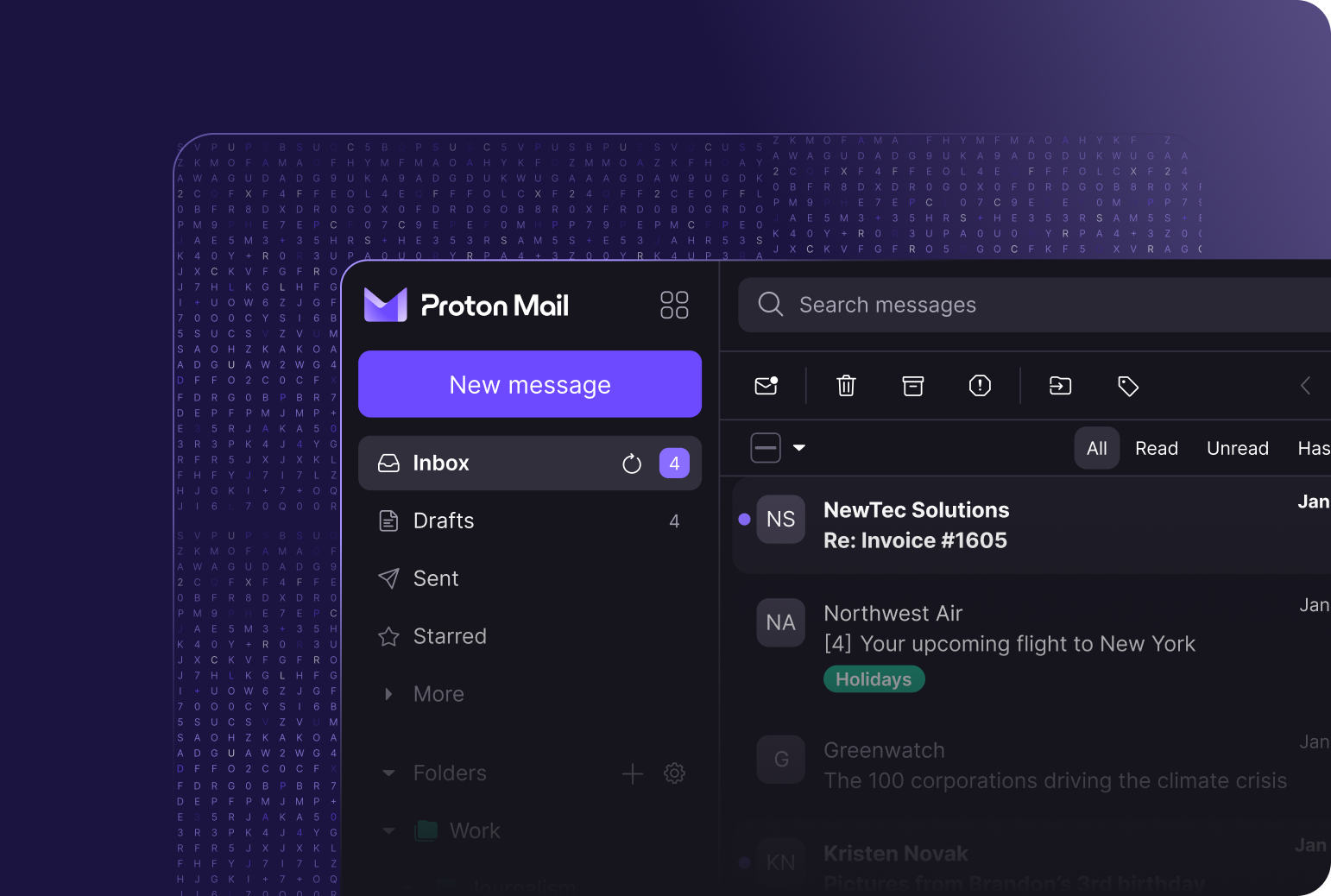
This is where most people start. Email is the hardest thing to move because everyone has years of messages and folders and filters built up in Gmail.
Gmail gives you 15 GB of space and the best spam filtering in the business. It integrates with everything. Calendar, Meet, Docs, all of it just works together. But Gmail scans your emails. Even if you think you have nothing to hide, the idea that a machine is reading every message bothers me. It should bother you too.
Proton Mail locks everything with end to end encryption. Nobody reads your mail except the person you sent it to. Not even Proton. You also get features Gmail does not offer. Password protected emails for people outside Proton. Expiration timers on messages. Custom domain support on paid plans. They just added offline mode and dark web monitoring too, both of which narrow the gap.
Where Gmail still wins: search speed, spam filtering, and ecosystem depth. Email search is slower in Proton because it searches encrypted data on your device. That is the tradeoff. You trade convenience for privacy. I made that trade gladly.
If you want a truly open alternative, Tuta does encrypted email too and is fully open source. But Proton's ecosystem is more complete. You can get Proton Mail here.
Proton Drive vs Google Drive
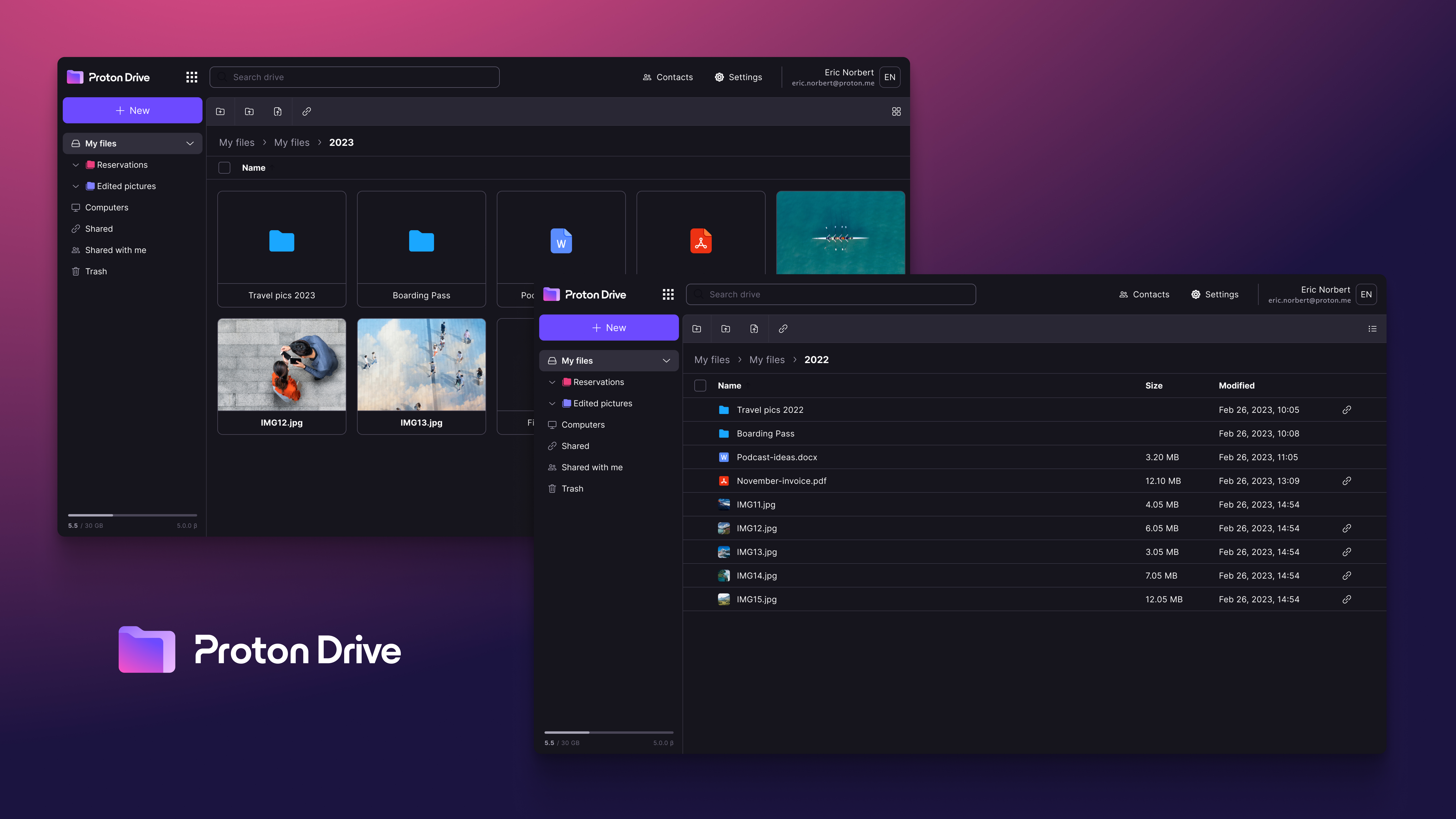
Google Drive has 2 billion users for a reason. It is cheap, it syncs everywhere, and Google Docs editing is smooth. But the privacy cost is the same. Google scans your files. They use the content for AI training and ad targeting.
Proton Drive encrypts everything on your device before it reaches their servers. They literally cannot see what you store. They recently launched Proton Docs and Proton Sheets too, so you can edit documents online with the same encryption. The feature set is catching up faster than I expected.
Where Drive wins is third party integrations. Everything connects to Google Drive. Slack, Zoom, DocuSign, basically every business app assumes you have Google Drive. Proton Drive needs more integrations before it fully replaces it for power users.
If you want full control, Nextcloud is the FOSS way to go. You self host it on your own server and own everything. But you need technical skills to set it up. For most people, Proton Drive is the simpler path.
Proton VPN
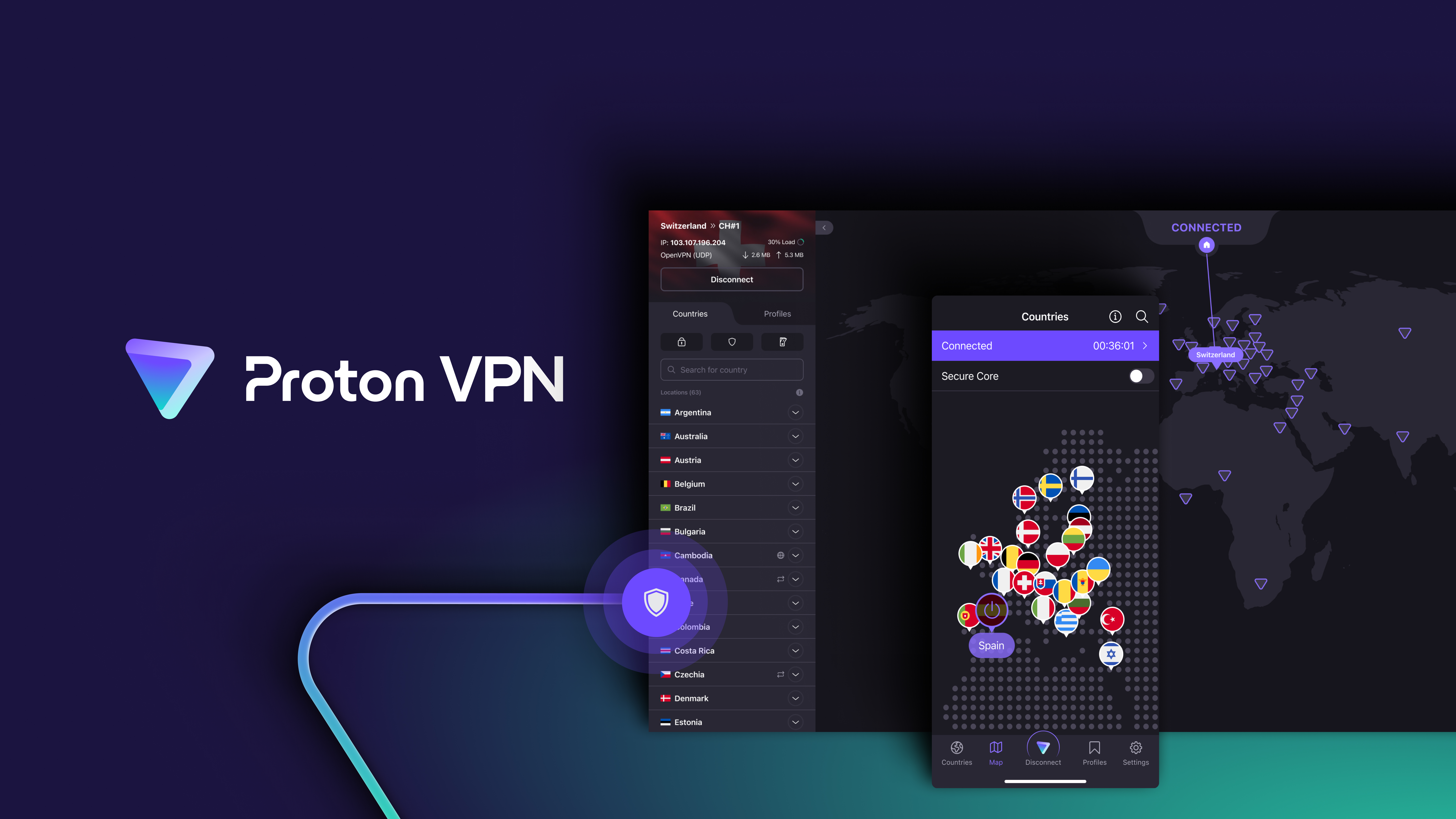
Google does not have a VPN worth mentioning. So this one is not really a contest.
Proton VPN has servers in 90+ countries, a genuinely useful free tier with no data limits, and features like Secure Core that routes your traffic through multiple servers for extra protection. I use it on my phone when traveling and on my laptop at coffee shops. Most free VPNs limit your data or sell your data. Proton does neither because they follow the same subscription model.
WireGuard based setups are the FOSS alternative if you want to roll your own, but you need a server and some networking knowledge.
Proton Pass vs Google Password Manager
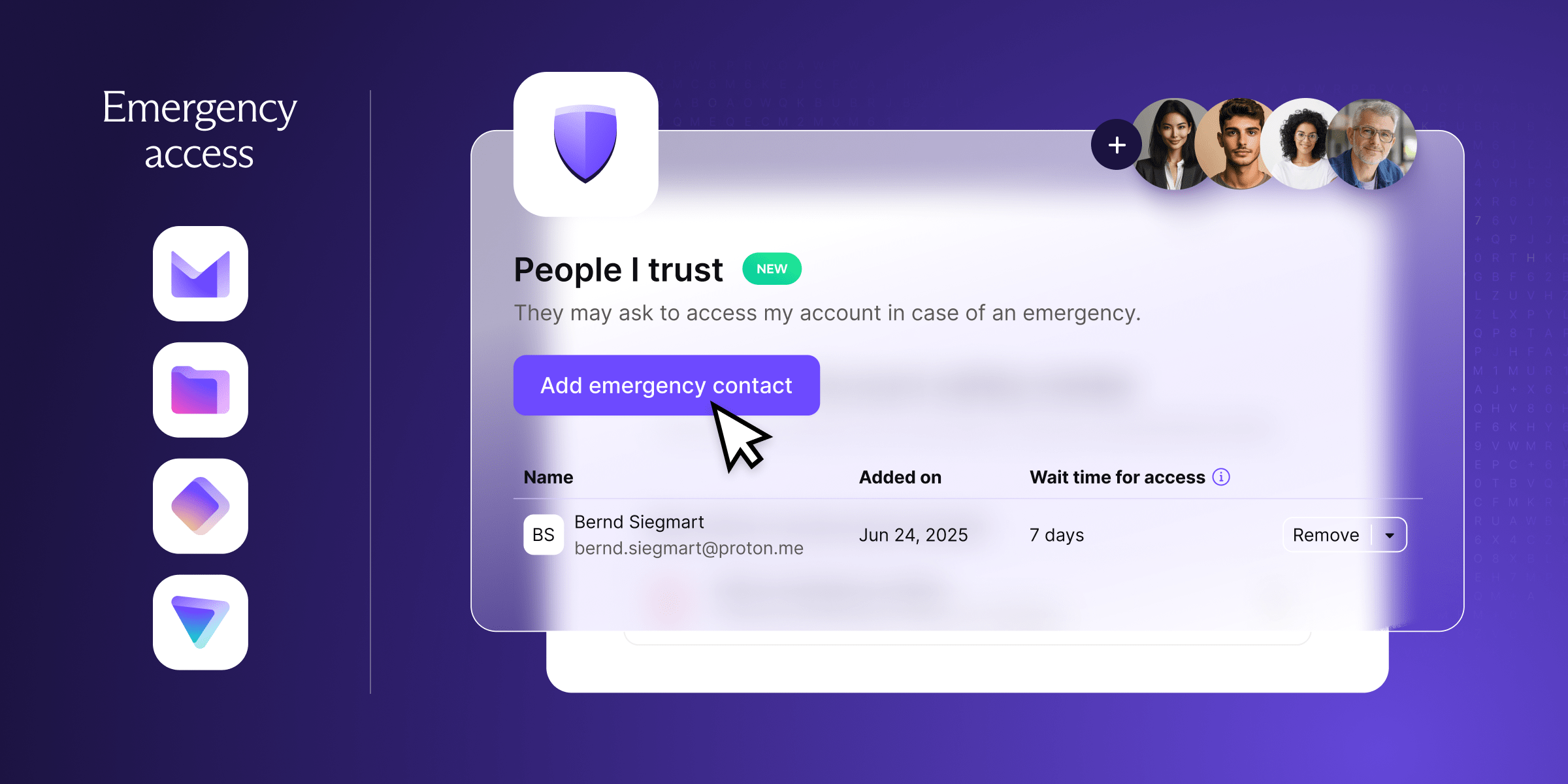
Google Password Manager is built into Chrome and Android. It is convenient. It is free. But it only works inside Google's ecosystem. You cannot export your passwords easily. You are locked in.
Proton Pass works everywhere. All browsers, all devices. It includes hide my email aliases through SimpleLogin integration, secure vault sharing for families or teams, and offline access. It matches the same end to end encryption as the rest of the Proton suite.
Bitwarden is the FOSS alternative here. Open source, self hostable, works on everything. But Proton Pass integrates tighter with the rest of the suite if you are already switching. Check out Proton Pass here.
Where Proton still lags
I am not going to pretend Proton wins everything. That kind of dishonest comparison helps nobody.
Google's spam filtering is better. Search is faster in Gmail too, and the ecosystem integration runs deeper across the board. If you live in Google Workspace with shared drives and complex sharing permissions, Proton is probably not ready for you as a full replacement.
But Proton is catching up fast. They ship new features every quarter. Offline mode landed. Calendar sync works. Document editing is live. Dark web monitoring just dropped. The gap is shrinking and I expect it to keep shrinking.
So should you switch?
I switched because I got tired of feeling like inventory. Proton is not perfect but it treats me like a customer instead of a data source. If the thought of Google reading your emails bothers you at all, give Proton a try. The free tier gives you enough to test everything before you commit.
Create a free Proton account. Forward your Gmail to it or set up a custom domain. Install Proton VPN on your phone. Use it all for seven days.
After that week ask yourself: Did I actually miss Google? Or did I just get used to being treated like a product?

Hi, I'm Justin, an IT consultant and open-source advocate. I specialize in building robust self-hosted infrastructure, developing tools and exploring AI-driven workflows. I write about deploying solutions to common issues, the occasional hardware failure, and everything I learn along the way.
Frequently asked questions
Some links in this post are affiliate links. I may earn a commission if you purchase through them, at no extra cost to you.