
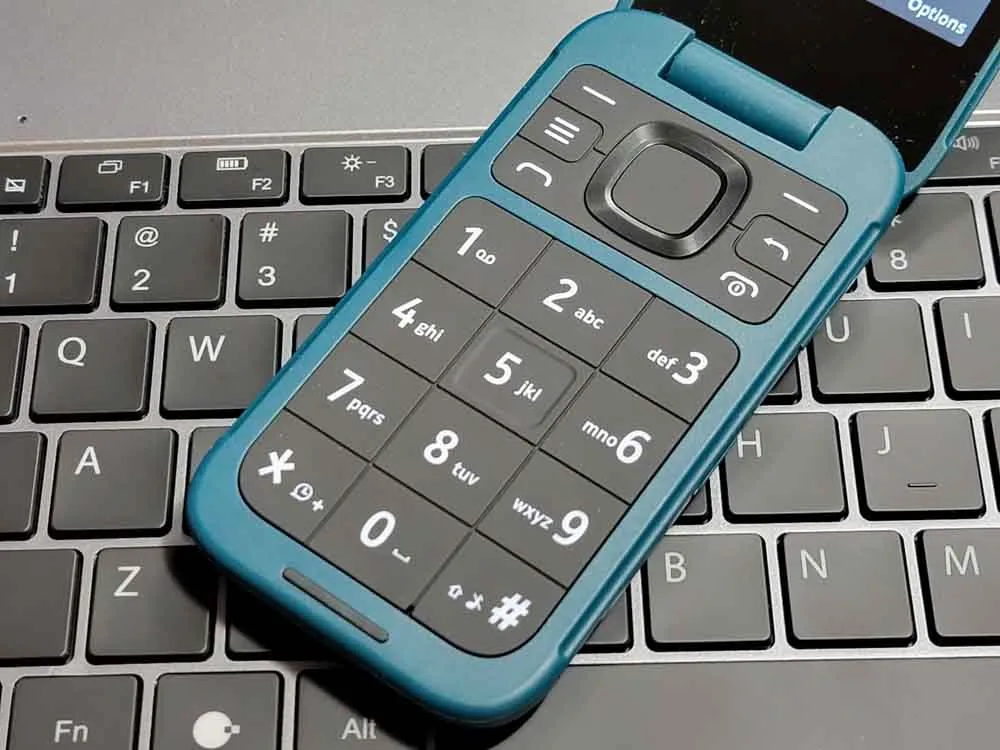
I have been typing on phones for over fifteen years. I started with a Nokia that had a physical keyboard and T9. I moved to the first Android phones with their janky touch keyboards. I got good at it. Not hunt-and-peck good. I could type full sentences without looking at the screen. My thumbs just knew where the letters were.
That skill is gone now. Not because I forgot how to type. Because the keyboard started fighting me.
Before 2023, on-screen keyboards used a straightforward approach. Spellcheck caught your typos. A personal dictionary remembered the words you used often. The keyboard learned your habits over time: you type "gonna" a lot, it stops trying to change it to "going to." You text your friend Kara, it stops trying to autocorrect her name to "Karma."
This system was not perfect. It was basic. It checked what you typed against a dictionary and applied simple rules. But the thing is... it worked. You could type fast, make a few mistakes, and the corrections usually made sense. The keyboard stayed out of your way.
A 2019 study by researchers at Aalto University and ETH Zurich measured over 37,000 people typing on smartphones. The average speed was about 38 words per minute. That number matters because it represents the baseline. People were typing fast enough to communicate efficiently, and autocorrect caught errors without creating new ones.
The system was not flashy. It did not try to guess your entire sentence before you typed it. It just fixed mistakes. And it did that well enough that most people stopped thinking about it.
Then the AI showed up.
In September 2023, Apple released iOS 17 with a new autocorrect system powered by what they called a "transformer language model." This is the same type of technology behind ChatGPT, scaled down to run on your phone. Apple said it would "better personalize autocorrect to each user." Craig Federighi even joked on stage that the iPhone would stop swapping "ducking" for the word you actually meant.
Google had already been moving in this direction with Gboard. Samsung followed with its own AI-powered keyboard updates tied to Galaxy AI. The pitch was the same across all three: smarter predictions, better context, a more personalized typing experience.
The idea was not bad. A transformer model can understand context in ways a simple spellchecker cannot. It can tell the difference between "their" and "there" based on the rest of the sentence. It can learn that when you type "lol" in a text to your friend, you do not want it autocorrected to "low."
The problem is that this "smarter" system broke the basic job of a keyboard: letting you type what you mean, quickly, without getting in the way.
How it broke across every major platform
The complaints are everywhere, and they're not subtle. We're not talking a few niche, tech hobbyists - people everywhere are noticing and not in a good way.
Apple (iOS 17 and later)
The Apple Community forums lit up immediately after iOS 17 shipped. Users reported keyboard lag so bad that characters appeared on screen a full second after being typed. One user on a 2023 forum thread wrote: "$2000+ phone and can't even use the keyboard, the single handed most important feature." Another reported that typing the letter "I" would sometimes not auto-capitalize, and that autocorrect would change correct words to nonsensical ones.
The root cause, according to analysis by MacObserver, is that Apple's transformer model sometimes overcorrects. Instead of fixing typos, it replaces correct words with what it thinks you meant to say. Type "jobs" and it might give you "job a." Type "to" and it might leave it alone, or it might change it to something that does not exist.
A 2025 follow-up report confirmed that while Apple patched some bugs in iOS 18, the core problems remain. Autocorrect still changes correct words to wrong ones. The keyboard still learns repeated mistakes instead of correcting them. And the predictive text, which Apple moved to an inline display in iOS 17, still suggests words that have nothing to do with what you are trying to say.
Samsung (Galaxy AI era)
Samsung users report the same pattern. A November 2024 thread on Samsung Members with 16,000 views described the Samsung keyboard as "really bad" at autocorrect. Users described the keyboard adding random letters to the end of words, changing "to" to "tondel," and refusing to learn from corrections.
One commenter put it plainly: "The issue isn't that your old system used to be perfect, literally perfect but once all this AI stuff started coming out it gets progressively worse the more I use it."
Samsung's Galaxy AI features, introduced with the Galaxy S24 series, were supposed to make typing smarter. Instead, users found that the AI would sometimes correct 1-2 letter words into completely different words: "a" becoming "and," "in" becoming "into," "on" becoming "onto." The keyboard had become unpredictable in exactly the way a tool you use dozens of times a day should never be.
Google (Gboard)
Google's own documentation claims Gboard users see a 35% boost in typing speed and a 25% reduction in error rates. But a 9to5Google comparison in April 2024 found that Apple's autocorrect is "incredibly overaggressive" and that "the keyboard never learns." The article noted that autocorrect on iOS can change the last word in a sentence as you hit send, meaning you cannot catch the error even if you read your message carefully.
Google has its own issues. Gboard's neural language model processes over a billion predictions daily, but it still gets context wrong. The model optimizes for what is statistically likely, not what you actually meant. When those two things diverge, you end up with messages that make no sense.
Other manufacturers
The problem is not limited to Apple, Google, and Samsung. Xiaomi released HyperOS 3 in early 2026 with a system-level AI keyboard built on their MiMo large model. The keyboard automatically removes filler words from voice input, corrects grammar, and converts informal text into formal language. A XiaomiTime bug tracker from April 2026 documented speech-to-text conversion failures on the Xiaomi 17 Pro Max, and users reported abnormal text rendering when triggering the AI assistant through the keyboard.
Huawei is taking the most radical approach. HarmonyOS 7, announced in June 2026, is described as the first operating system "completely reconstructed by AI." The Celia Keyboard uses Huawei's Pangu large language model and supports 170 input languages with voice input across English, Spanish, French, German, Italian, Arabic, Polish, and Malay. The entire operating system is rebuilt on an agent-based architecture with voice as the primary input method.
OnePlus and OPPO have integrated AI features into their keyboards through OxygenOS and ColorOS. OnePlus AI Writer floats above the keyboard and generates content, changes tone, and creates mind maps. OPPO partnered with Microsoft for AI-powered audio transcription and announced AI Call Translator at MWC 2025. Vivo has added AI Translation and AI Transcript Assist to OriginOS 6.
The pattern is the same everywhere: keyboard makers are building AI into the input layer and pushing voice as the default. It is not a coincidence. It is an industry-wide shift away from letting you type what you want and toward predicting what the model thinks you should say.
Why it got worse: service-first models
Here is the part that should make you angry.
The old system (spellcheck plus personal dictionary plus memory) was built around one goal: helping you type accurately. The keyboard learned from you. Your corrections mattered. Your unusual words got remembered. The system served you.
The new system is built around a different goal: serving the model. Apple, Google, and Samsung all use transformer models that need to improve over time. Those models improve by collecting data from how you type, what you type, and how you respond to predictions. Every time you accept a prediction, that is a data point. Every time you reject one, that is also a data point.
Google's June 2026 privacy update made this explicit. The company quietly changed its settings to automatically opt users into AI training using photos, voice recordings, and video submitted through Search, Lens, Translate, and voice search. The change was announced in an email. It was not a request for permission. It was a notification that your data is now being used to train their models, and if you do not want that, you need to go find the setting and turn it off yourself.
The FTC has taken notice. In 2024, the commission warned that "quietly changing" terms of service to allow AI training on previously collected data "without clear, conspicuous notice and affirmative express consent" may violate Section 5 of the FTC Act. Google settled a $1.4 billion lawsuit with Texas in 2025 over unauthorized tracking of location, browsing, and voice data. A separate $68 million class action settlement is open for claims until August 2026.
Your keyboard is not just a tool for typing anymore. It is a data collection surface. And the more it "learns" from you, the more data it feeds back to the company that built it.
Now look at what Apple, Google, and Samsung are pushing next. You see it everywhere: prompts on your phone telling you that you do not need to type, just talk to your phone. Samsung integrated voice input deeply into Galaxy AI. Apple keeps improving Siri's dictation. Google promotes voice search as a primary input method.
The pitch is convenience. "Just speak instead of type. It is faster. It is easier."
But think about what voice input actually means for the companies pushing it.
When you type, the company gets your text. When you speak, the company gets your voice. Voice data is biometric. Your speech patterns, accent, tone, and cadence form a signature that is as unique as a fingerprint and far harder to change. When a password is compromised, you change the password. When your voice data is compromised, you cannot change your voice.
Apple's own privacy documentation states that Siri and Dictation transcripts "may be retained and used for up to two years to develop and improve Siri, Dictation, Search, and limited other language processing functionality." Even with the "Improve Siri & Dictation" toggle off, Apple may still process your voice data on their servers for certain features.
Google's approach is more aggressive. Their voice search data feeds directly into the AI training pipeline we discussed above. Every voice command, every dictation, every time you use voice input in Translate or Maps, that audio can be stored and used to train models.
The companies are not pushing voice input because it is better for you. They are pushing it because voice data is more valuable than text data. It is richer. It carries biometric information. It is harder for you to verify what was recorded and how it was used. And it gives them a stronger lock on their ecosystem, because your voice model lives on their servers.
I do not want to talk to my phone in public. I do not want to dictate a message on a bus or in a library. I want to type, quickly and quietly, without the keyboard changing my words or the company recording my voice. That is not a radical position. It is the baseline that we had five years ago, before "innovation" broke it.
You do not have to live with a broken keyboard. Here are practical steps you can take today.
1. Reset your keyboard dictionary
On iPhone, go to Settings, then General, then Transfer or Reset iPhone, then Reset, then Reset Keyboard Dictionary. This wipes the learned model and starts fresh. On Samsung, go to Settings, then General Management, then Samsung Keyboard Settings, then Reset to Default Settings.
2. Disable predictive text
On iPhone, go to Settings, then General, then Keyboard, then toggle off Predictive Text. On Samsung, go to Settings, then General Management, then Samsung Keyboard Settings, then toggle off Predictive Text. This removes the inline suggestions that slow you down and cause incorrect corrections.
3. Try a third-party keyboard
Gboard on iOS or SwiftKey on Android often perform better than the stock keyboards. The prediction engines are different, and many users report fewer incorrect corrections. On Samsung, the community has found that switching to Gboard eliminates many of the autocorrect problems.
For privacy-focused options, the choices differ by platform. Android has mature FOSS keyboards like FlorisBoard and HeliBoard that process everything locally with no network access. iOS is more limited because Apple restricts what third-party keyboards can do: no microphone access, a 50MB memory limit, and apps can block custom keyboards entirely. For a standard typing keyboard on iOS with privacy by design, SafeType is the closest option. It has zero network code by architecture, processes autocorrect on-device, and costs a one-time $4.99. BiggerKeys is another option with no network code at all. For voice dictation on iOS, Dictus is open-source (MIT license) and runs Whisper entirely on your device, though it requires iPhone 12 or newer.
4. Use offline, open-source keyboards
If privacy matters to you, look at Keyboards that work entirely on your device without sending data to the cloud. AnySoftKeyboard for Android is open-source and processes everything locally. It will not win design awards, but it will not send your typing habits to a server either.
5. Turn off voice input
On iPhone, go to Settings, then General, then Keyboard, then toggle off Enable Dictation. On Android, you can disable voice typing in your keyboard settings. If you need dictation for accessibility, consider a fully offline option that processes audio on your device only.
The keyboard used to be a tool that got out of your way. Now it is a data collection surface that fights you every time you type. The companies pushing these changes are not doing it because you asked for a smarter keyboard. They are doing it because your typing data and your voice data train the models that drive their AI revenue.
You can fight back. Reset your dictionary, disable predictive text, try a privacy-focused keyboard, and turn off voice input if you do not need it. These are small changes, but they send a signal. The more people who reject the AI keyboard, the harder it gets for these companies to justify the investment.
If this resonated, share it with someone who complains about their autocorrect. The more people push back, the harder it gets for these companies to keep going in this direction.
The challenge: test your own keyboard
Here is a quick experiment you can do right now.
- Open your phone's keyboard.
- Type this sentence as fast as you normally would: "The quick brown fox jumps over the lazy dog."
- Do not let autocorrect run. Watch what it tries to change.
- Count how many words it tries to correct that do not need correcting.
- Now type: "I am going to the store to pick up some milk and eggs."
- Watch the predictive text bar. How many of those suggestions are words you would actually use?
If your keyboard changed words that were already correct, or suggested words that have nothing to do with what you are typing, you have seen the problem firsthand. You do not need a study to tell you something is wrong. Your thumbs already know.

Hi, I'm Justin, an IT consultant and open-source advocate. I specialize in building robust self-hosted infrastructure, developing tools and exploring AI-driven workflows. I write about deploying solutions to common issues, the occasional hardware failure, and everything I learn along the way.